macOS

177 articles — page 3 of 15.

Turn your Mac into a whole new computer: Replace macOS with Linux

Turn your Mac into a whole new computer: Replace macOS with Linux

Christopher Lee · Apr 26, 2017

Have you ever wanted to try out a completely different operating system? If you’re curious to see whether the grass really is greener on the other side, then you don’t need to do something drastic like purchase a new computer. You can actually trial many different operating systems (OS) on your Mac, and can even […]


How to Wipe Your Mac Clean and Restore Factory Settings

How to Wipe Your Mac Clean and Restore Factory Settings

Christopher Lee · Apr 20, 2017

Thinking of selling your Mac? Or maybe you’re planning to do a good deed and pass your old Mac along to a friend or family member? Regardless of whether you’re gifting or selling your Mac, no one’s going to be thrilled to find that their new computer is packed with someone else’s content and data, […]

How to Surf the Web Anonymously on your Mac with Tor

How to Surf the Web Anonymously on your Mac with Tor

Christopher Lee · Apr 12, 2017

The Internet has completely revolutionised the way we access information. When you’re connected to the World Wide web, it often feels like you have all the information in the world at your fingertips, but the Internet does have its downsides. In recent years many users have become particularly concerned that their online activities may be […]

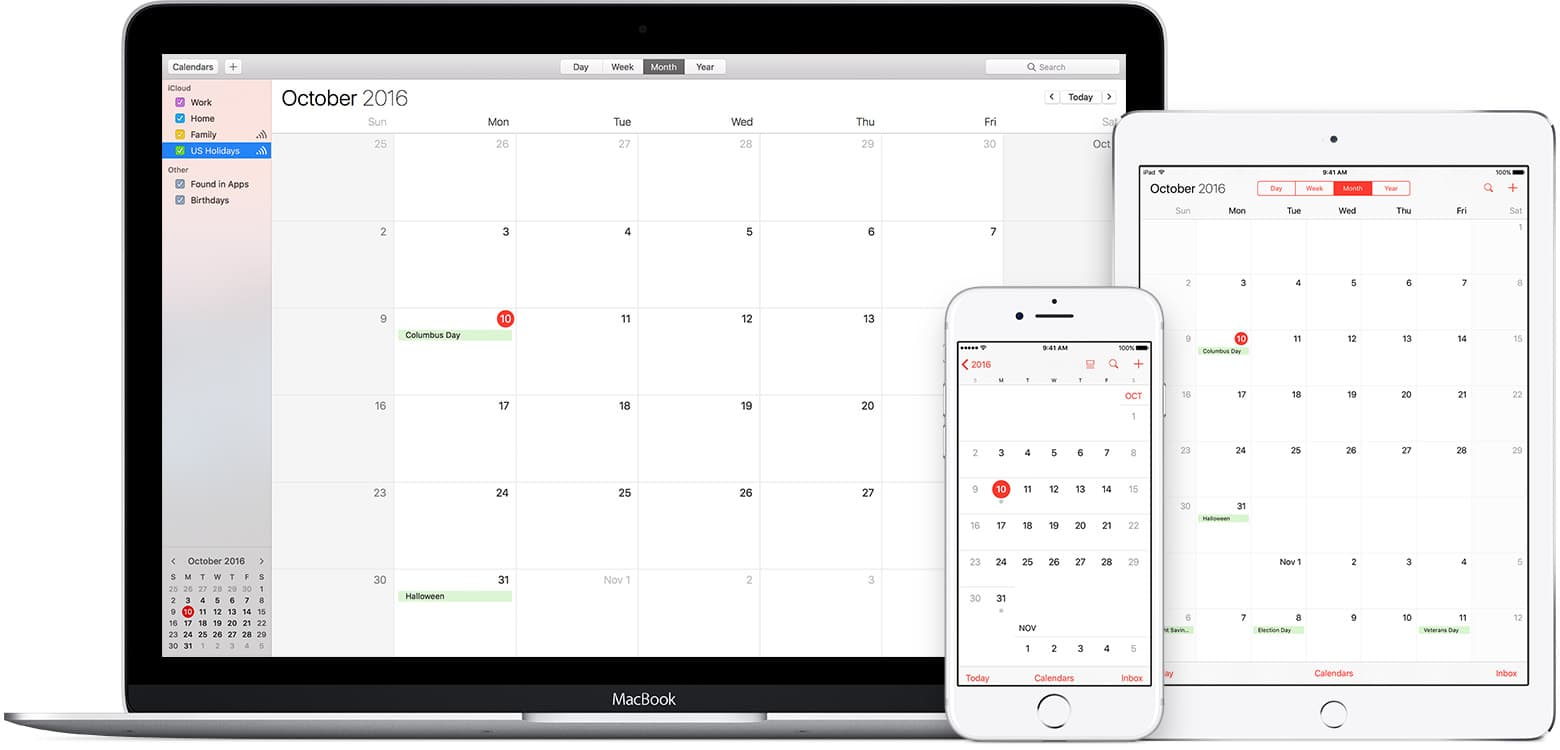
How to Stop iCloud Calendar Spam on your Mac, iPhone and iPad

How to Stop iCloud Calendar Spam on your Mac, iPhone and iPad

Christopher Lee · Apr 5, 2017

Ask anyone to name their biggest Internet pet peeve, and odds are they’re going to say spam. Spam has always been annoying, but nowadays spam is no longer confined to your inbox, as junk-mailers are constantly finding new and creative ways of forcing you to look at their adverts – and the latest trick is […]

How To See Battery Time Remaining In macOS Sierra

How To See Battery Time Remaining In macOS Sierra

Christopher Lee · Mar 9, 2017

The latest release of macOS Sierra (update 10.10.2, if you’re counting) saw an interesting change, as Apple removed a long-standing feature of the Mac user interface. If you’re running the latest version of Sierra, then try clicking the battery icon in the menu bar: you’ll notice that the ‘Battery time remaining’ estimate is no more. […]

Customise any macOS keyboard shortcut with AppleScript and Quicksilver

Customise any macOS keyboard shortcut with AppleScript and Quicksilver

Christopher Lee · Feb 25, 2017

Your typical Mac comes with a wide range of built-in keyboard shortcuts that can seriously boost your productivity and generally make using your Mac more enjoyable. However, when it comes to tweaking these built-in keyboard shortcuts to better suit your needs, by default macOS isn’t as flexible as some other operating systems. In this tutorial […]

7 Easy Ways of Transferring iPhone Photos to Your Mac

7 Easy Ways of Transferring iPhone Photos to Your Mac

Christopher Lee · Dec 29, 2016

Smartphone cameras have come a long way in recent years, to the point where digital camera sales have dropped off dramatically – and iPhones are no different. If you own an iPhone, then you pretty much have digital camera-worthy software and hardware within arm’s reach, all day, everyday. It’s no surprise then, that we’re all […]

Put a Stop to Duplicate Notifications on your Mac

Put a Stop to Duplicate Notifications on your Mac

Christopher Lee · Dec 11, 2016

Notifications are crucial for keeping you informed about events that are happening across your Mac, but also across the World Wide Web. Notifications can give you a head’s up about everything from breaking news on your favourite media websites, to a new ‘like’ on your latest Facebook post. Even better, notifications provide all this information […]

How to Fix Common Airplay Connection Problems

How to Fix Common Airplay Connection Problems

Christopher Lee · Nov 19, 2016

AirPlay (formerly called AirTunes) provides Apple users with a way of streaming media from one device to another over a local network, typically their home Wi-Fi. Using AirPlay, you can stream audio from a Mac or iOS device to any AirPlay-enabled audio system, or stream video from your Mac or iOS device to an Apple […]

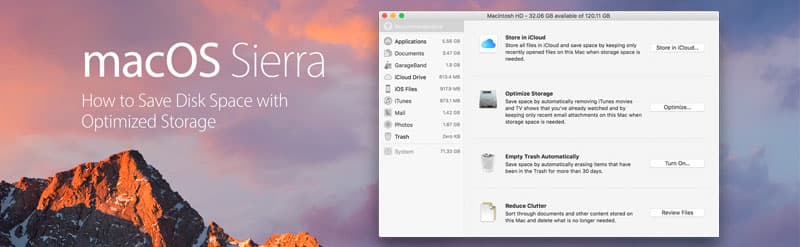
Optimized storage header, macOS Sierra

How to Save Disk Space with Sierra’s Optimized Storage

Christopher Lee · Oct 26, 2016

Never run out of memory again! We’re all guilty of clogging up our computers with things we don’t really need. No matter how large your Mac’s built-in memory, if you keep creating files then sooner or later you’ll need to spring clean your Mac in order to free up same space – and that’s where […]

12 articles loaded